-

All Levels
-

8 Weeks
-

Government Certification
-

Industry Immersion
-

Capstone Projects
Overview
This NX course offers hands-on experience designing, simulating, and manufacturing complex products. Learn how to create 3D models, perform stress analysis, and generate tool paths for manufacturing.
- CAD Engineer
- CAM Engineer
- Product Development Engineer

Targeted Job
Roles

Training and Methodology
By enrolling in this course, you will gain access to -
 Real-World Projects - Work on complex design and manufacturing tasks.
 - Industry-Specific Simulations - Test designs in real-world scenarios.
- Real-Time Feedback - Improve your skills with continuous feedback from experts.
- Evaluation - We keep tracking student progress through
assignments and project.
Why Choose
This
Course?
NX is widely used in automotive, aerospace, and manufacturing sectors. This NX Course prepares you for an industry career requiring advanced design and manufacturing expertise.
Register Now-

100% Placement Assistance Program
Job placement assistance readiness.
-

Real time projects
Work on projects that simulate industry challenges.
-

Reviews and Feedback
Continuous feedback to ensure progress and improvement.
Trusted by Thousands of Students Across Maharashtra
For over two decades, Milestone Institute of Technology has helped students build successful careers through industry-focused training, expert faculty, and strong placement support.
Enrolled Students
Students trained across multiple professional programs.
Placed Students
Successful placements through our recruitment network.
Company Tie-ups
Industry partnerships for internships and placements.
Job-Oriented Courses
Career-focused programs designed for today's industries.
Skills acquired from this course
-

Expertise in 3D modeling, drafting, and assembly creation.
-
Proficiency in CAM for manufacturing processes.
-
Create Automotive/Auto Ancillary Assemblies, BOM.
-
Create Automotive sheet metal models and calculate development.
-
Create animations to simulate product working.
-
Knowledge of simulation and design validation.
-
Ability to create tool paths for CNC machines.
Tools & Languages Included In This course

The Course Syllabus
The course covers important topics related to Introduction to Mechanical AutoCAD.
Introduction to NX Software
- Introduction
- Creating Parts
- Getting parts geometric information
3D Part and Assembly Design
- Sketcher mode
- Dimensioning
- Sketch planes
- Extruding, Revolving, Sweep features
- Parametric Modeling
- Modifying parts using History
- Adding Fillet, Chamfer, Shell and Draft
- Creating Patterns
Assembly Design
- Creating Assembly Model
- Managing Assembly Models
- Defining Assembly constrains
Generative Drafting
- Plotting various views
- Exploded Views and BOM
- Dimensioning
- Section, Detail and Auxiliary views
- Annotations, Symbols and Datum
Advance Surfacing
- Creating lofted features
- Creating advance sweep features
- Creating Tweak features
- Modifying features
- Advanced surface modeling
Sheet Metal
- Introduction to Sheet Metal
- Bend, Jog, Dimple and Flange features
- Hole cut, Lofted Flange features
- Creating Flat Pattern
Advance Features
- Import, Export using UG NX
- UG NX File Management
- Blue Print Reading
- How to apply Tolerances using IS Standards

Ready to Master NX?
Get complete details about our NX Course, including the curriculum, practical training, career opportunities, and course benefits. Download the brochure to learn more.
Download brochure

Want to
experience
excellence?
At Milestone, We are committed to providing a complete education solution in Thane. Access the Free Demo. Get in touch today.
Acces The Free Demo
Recruiters looking for NX Students







Certification For
This
Course
Receive a recognized certification upon course completion, validating your skills and boosting your career prospects.
Register Now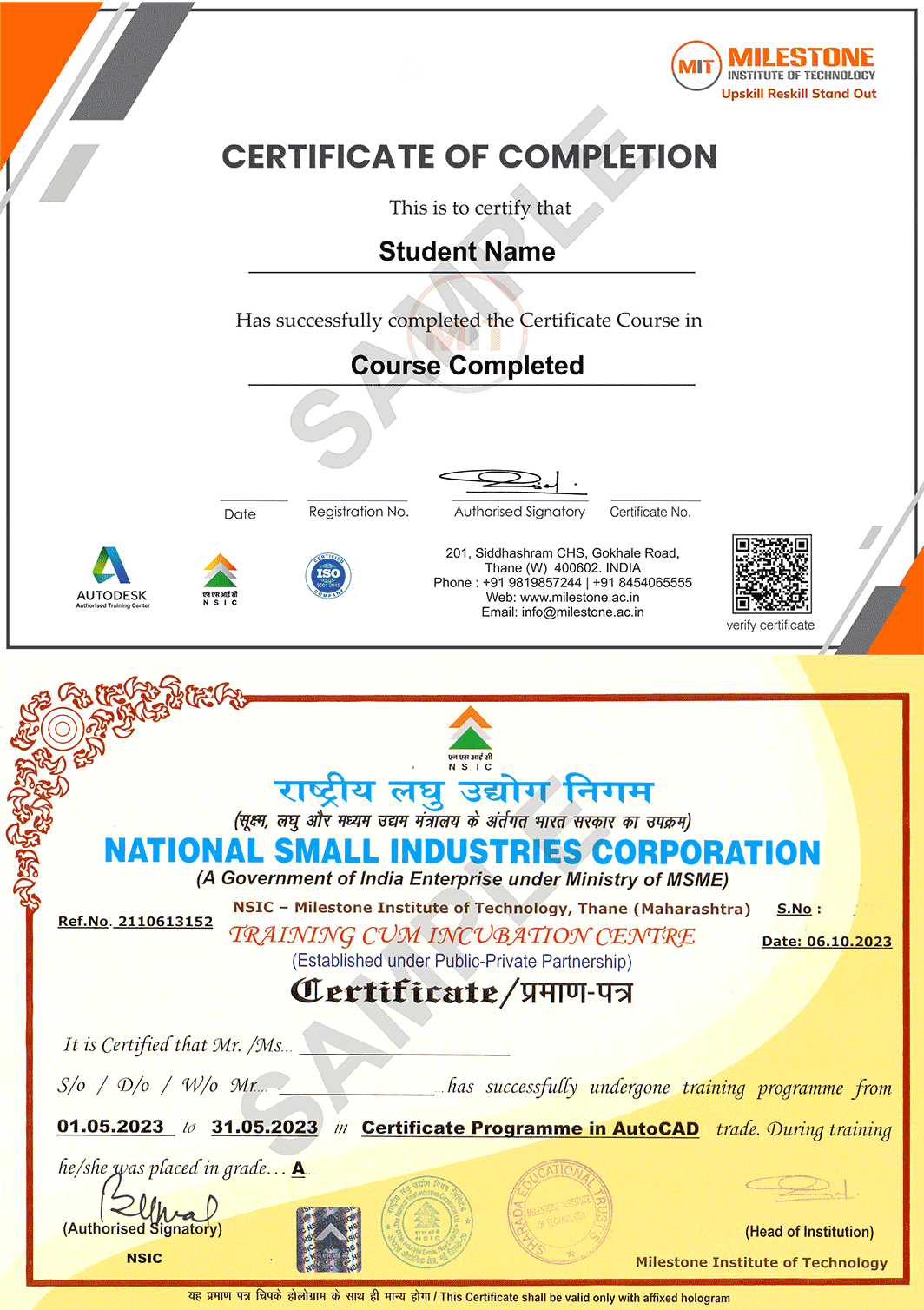
Capstone Projects In
This Coursework
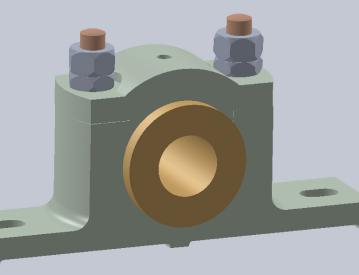
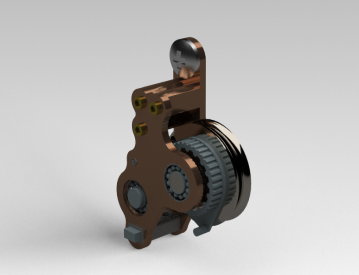
Our projects are directly aligned with the coursework, ensuring practical application of what you learn. This hands-on approach deepens your understanding and prepares you for real-world challenges.



Get in touch today
What Our Students Say
-
MIT offers well-managed syllabus which helped me build a strong foundation and excel in my career
Ninad Walve
-

In MIT, I learned a bunch of in-demand software, which helped me become more versatile in my career.
Swajit
-
I thought 100 percent job assistance was a random promise, but honestly, the management provided everything they promised.
Gaurav

Suggested Courses
You may also be interested in these industry-focused training programs.

Mechanical Draughtsman Course
Learn engineering drawing, manufacturing drafting, GD&T basics and machine component detailing through practical projects.
AutoCAD Mechanical Course
Master 2D mechanical drafting, production drawings, annotations and manufacturing documentation using AutoCAD Mechanical.
SolidWorks Course
Learn 3D part modelling, assemblies, sheet metal and production drawings using SolidWorks.

CATIA Course
Master surface modelling, product design and assembly creation with CATIA through hands-on training.
Creo Course
Learn parametric modelling, sheet metal, assemblies and product development using PTC Creo.

Autodesk Inventor Course
Build professional mechanical designs, assemblies and manufacturing drawings using Autodesk Inventor.
Fusion 360 Course
Learn cloud-based CAD, CAM and product design workflows using Autodesk Fusion 360.
Revit MEP BIM Course
Develop intelligent BIM models for mechanical, electrical and plumbing systems using Revit MEP.
ANSYS Course
Learn structural, thermal and CFD simulations using ANSYS with real engineering case studies.

HVAC Course
Learn HVAC system design, ducting, load calculations and MEP coordination through practical projects.
GD&T Course
Understand Geometric Dimensioning and Tolerancing standards for accurate manufacturing and quality inspection.
Frequently Asked Questions
Find answers to all your questions about our diverse course categories. Discover the range of subjects we offer, and learn how to choose the right courses to match your interests and career goals. Let us guide you in navigating our extensive catalog to find the perfect fit for your educational journey.
-
Who can enroll for this course?


Any person with BE/ BTech, Diploma in Mechanical/Production/Automobile Engineering, Mechanical Draughtsman can register for this course.
-
What will be the mode of delivery?
We offer 3 delivery models
1) Classroom
2) Live Online
3) Recorded lectures
Kindly contact us with your requirements. -
Will I receive a certificate after completion of this course?
Yes, you will receive a Milestone Institute of Technology certificate upon course completion. We also offer Autodesk certifications for Autodesk products, along with Government certification options for eligible courses.
-
Does this course align with Industry requirements?
Yes, at MIT we ensure our syllabus and exercises are up to date as per industry requirements. We have used industry examples wherever possible in the course material. Additionally, you can also register your interest in Industry internships opportunities with our placement department.
to a whole new level?
